I've done several optimizations around the game update over the past few game versions but in 0.15 I decided to also look at some of the game GUIs. In particular there are 3 GUIs which tend to take a large amount of time when visible: the production stats, the trains view, and blueprint tooltip previews.
Hello, these Friday Facts are focused solely on our view of gameplay issues in Factorio, and our plans to solve these.
Hello, once I changed the science packs for 0.15 , I had to do a playtest to have a feel of how the changes affect the game. I finished it just before writing this post: This was the first single player playthrough in a long time, so there was a lot of new findings. I also enjoyed all the new features, like blueprint book, auto trash, train conditions etc. These were little things but they helped a lot.
Hello, Your friday facts today are written by the community manager Klonan. He's been with us here in the office for nearly 2 months now, working hard marketing the Steam release and responding to all the media inquiries sent to our email. He's going to write a little about the behind the scenes of the Steam release.
A long time ago, in FFF-191 I wrote about improving the GUI. Well, things are finally starting to move, so this week I'll bring you an update on that. We even have a GUI team: Twinsen(me): UX and programming Albert: UI, graphical design, layouts, mockups, UX Rseding91: main programming and GUI internals The plan is to go through the entire game's GUI (including main menu, all entity GUIs and all game windows) and improve it both visually and interaction wise. This is quite a huge undertaking because: Factorio's interactions are quite complex If you count all the entity windows and panels, we have about 120 windows to go through in the game. Mods can change many aspects of the game so we have to account for that to make sure windows still look good and are still easy to use: e.g. having 15+ recipe categories, having assembling machines with 20+ module slots, having recipes with 20+ ingredients, having players with 200+ inventory slots, etc. Many players are already used to interacting with the game in a specific way, so any major changes are hard to make. Our GUI back-end (heavily modified AGUI) is not exactly well written, programmer-friendly, or feature-rich. Many of the features and polishing we want to add were not done previously due to their programming complexity. At the moment we are still early in the project, just defining the style and the concepts. During the next months, I'll try to make a series of FFF talking about the improvements we are making (starting with this one) so you can see how the project progresses, and offer feedback along the way. Everything I mentioned in FFF-191 will be there, but we have even more cool improvements coming to the toolbar that we are working on, so today I'll talk about something else: the new train/locomotive GUI. Disclaimers: Everything you see are mockups made by Albert and are not from the game, but we will try to make it look almost identical in game. The style (colors and look) is not final. This is the 3rd iteration and Albert is still experimenting with making everything look nice. The purpose of these mockups are mostly to define the layout and interaction. This is how the new Locomotive GUI will look. As you notice, apart from the style changes, they way the stations and conditions are shown is very different, but I'd say much more intuitive, informative, and easy to use. Let's go through a short use case. You click add station and the list of stations appears. You can add a station by clicking on the station in the list or by clicking it in the small map. The map can be zoomed and moved around so you can easily find your station. Also, as you hover over stations in the list, the map will show their location. The stations marked differently are unreachable from the train's current position. This way you can more easily recognize and possibly ignore stations outside of the current network. Once you click a station, it is added to the schedule, along with a default condition. You can continue adding more stations, or add/edit the conditions for the new station. Finally a schedule can look something like this. The path of the train will be shown. We will try to paint the path the train is taking at the moment, it will change as the train takes different paths. The fuel can be accessed from the separate tab and the color of the locomotive can be changed using the color picker. The buttons in top of the map, from left to right are as follows: Turn station names on or off. Change the angle of the station names. Switch to map view. Switch to camera view. Center view on the train. The small 'info' button you see on the right side will be a help button we will use throughout the game to help explain how different GUI work and when their elements mean. We will write more about this in some of the next parts of the FFF GUI update series. We also want to add a neat tool for advanced players. Control-clicking on any point on the locomotive's map (or any station) will add a 'Temporary stop' to it's schedule. The train will try to go as close as it can to that point, wait a few seconds and finally automatically remove the 'Temporary stop' from it's schedule. This is very useful for quick transportation. It also allows you to quickly 'hijack' an existing train and use it to get somewhere, since the 'Temporary stop' will be deleted and the train's normal schedule will be resumed. Another quality of life improvement will be a game option to automatically add some fuel from the player inventory when building vehicles (car, tank or locomotive), making rail transportation as simple as placing a locomotive on a rail, entering it and control-clicking where you want to go. We hope you like the proposed changes. No doubt things will change as we implement and playtest these changes, but we thought it would be interesting to show you an early preview. Finally the million dollar question is when will this be in game? Because it's quite a bit of work we already pushed the GUI update to 0.17. On the bright side, this mean 0.16 will come a bit sooner. Let us know what you think by commenting in our usual topic at the forums.


Hello, Today we will be looking at (and listening to!) many of the sound improvements we have been working on for 2.0.
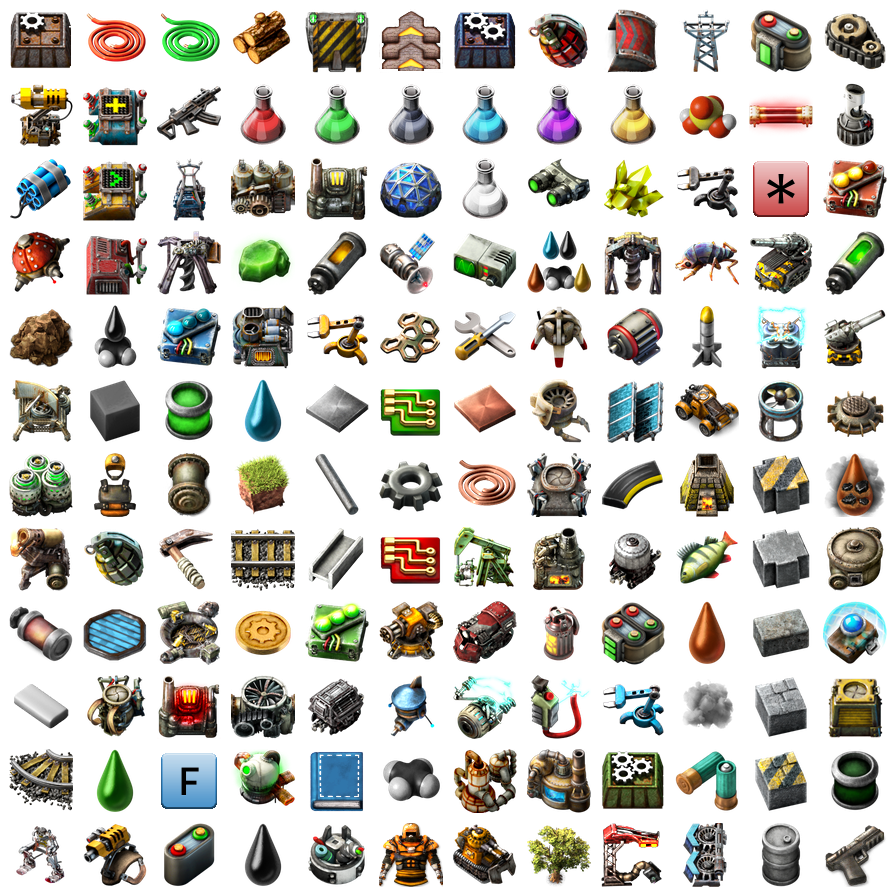
It's been over 4 years since we planned the infamous GUI update. If all goes well, next week the game will get the last big GUI update for 1.0. While the state of the GUI is not close to our crazy plans we recently had for the GUI, it's above what we initially planned 4 years ago. The update you will see next week includes: A visual update to over 100 game GUIs New high resolution icons for all game items (visible both in GUI and in the world) New GUI sounds for most interactions
Hello, we finished with the regular Friday Facts series, and yet, there is still so much we want to talk about. I want to clarify, that we are not going to release FFF every week, but there are a few of them coming in the near future.
